Address
Building C2, Zhanglong Logistics Park
Shiting Sub-district, Xiangcheng District, Zhangzhou City
Fujian Province, P.R. China
Work Hours
Monday to Friday: 7AM - 7PM
Weekend: 10AM - 5PM
Address
Building C2, Zhanglong Logistics Park
Shiting Sub-district, Xiangcheng District, Zhangzhou City
Fujian Province, P.R. China
Work Hours
Monday to Friday: 7AM - 7PM
Weekend: 10AM - 5PM
In the digital age, local businesses face fierce competition for customer attention and online visibility. While physical stores and in-person services remain the backbone of many communities, bridging the gap between offline interactions and digital marketing has become a critical priority. This is where NFC (Near Field Communication) and QR (Quick Response) code self-adhesive labels step in—affordable, user-friendly tools that transform ordinary products, receipts, and storefronts into powerful drivers of customer reviews and local SEO (Search Engine Optimization). This guide explores how these smart labels work, how to implement them effectively, and why they have become indispensable for local businesses looking to stand out.
The Inseparable Link Between Customer Reviews and Local SEO
For local businesses, Google Maps and local search results are make-or-break platforms. When a potential customer searches for “best coffee shop near me” or “reliable plumber in [city],” Google’s algorithm prioritizes businesses with strong local signals—and few signals are as impactful as customer reviews. Studies show that businesses with more positive reviews (and a higher total number of reviews) consistently rank higher on Google Maps, as these reviews indicate trustworthiness and relevance to the algorithm.
The challenge, however, lies in encouraging customers to leave reviews. Many satisfied patrons intend to share their experiences but forget once they leave the store or complete a service. NFC and QR code labels solve this problem by reducing friction: instead of asking customers to navigate to a review platform manually, a simple tap or scan instantly directs them to the review page, turning intent into action.
NFC vs. QR Code Labels: Choosing the Right Tool for Your Business
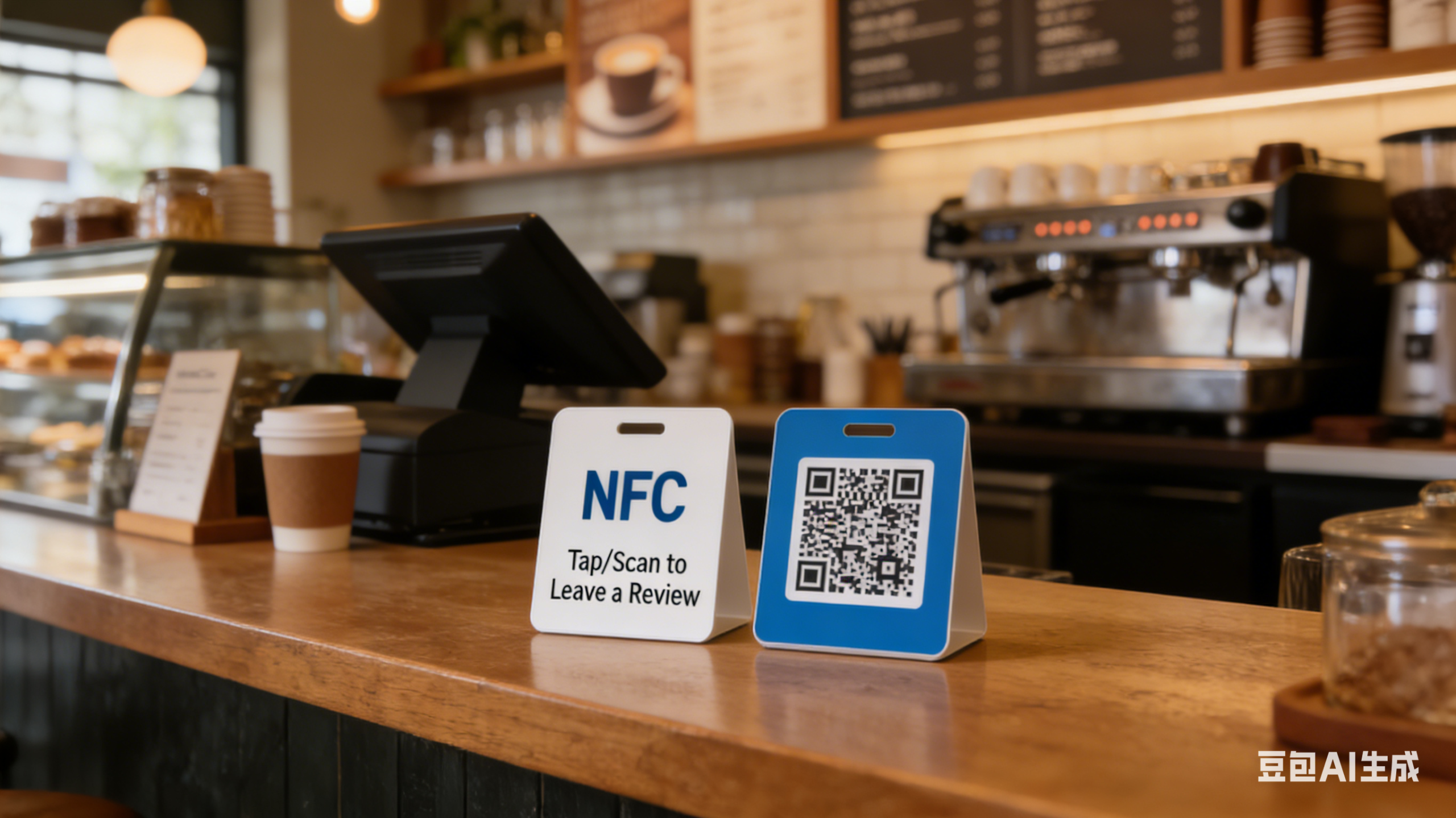
Both NFC and QR code labels connect physical touchpoints to digital destinations, but they differ in functionality, user experience, and cost—making each better suited for specific business needs.
NFC Labels: Convenience at Your Fingertips
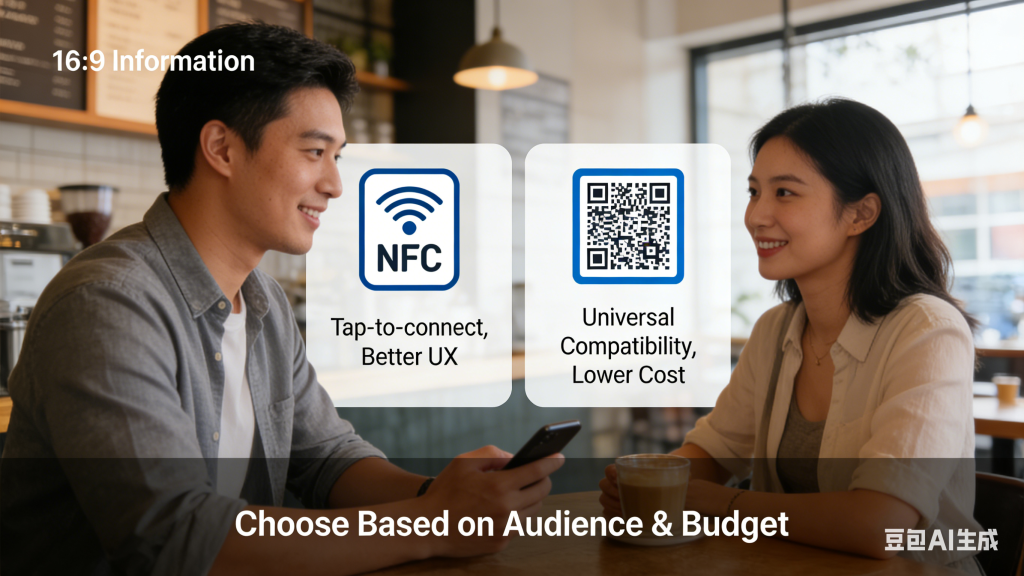
NFC labels use short-range wireless technology that allows smartphones to connect with a single tap (no app or scanning required for most modern devices). This seamless experience is a major advantage: customers are more likely to follow through with a review when the process takes just one second. NFC labels are ideal for businesses targeting younger audiences (who tend to use newer smartphones) or those prioritizing premium user experience, such as boutique retailers or high-end restaurants.
QR Code Labels: Universal Accessibility on a Budget
QR codes require users to scan them with a smartphone camera (a feature now built into most iOS and Android devices), making them universally compatible—even with older phones. The biggest draw of QR codes is their cost: they are significantly cheaper to produce than NFC labels, as they don’t require embedded chips. This makes them a great choice for businesses with tight budgets or broader target audiences (including older customers who may use less advanced devices). Local service providers like electricians or landscapers, for example, can affix QR codes to invoices or business cards without breaking the bank.
When choosing between NFC and QR code labels, consider three factors: target audience (younger demographics favor NFC; broader audiences benefit from QR codes), budget (QR codes are more cost-effective for large-scale use), and usage scenario (NFC works well for in-store displays, while QR codes shine on receipts or product packaging that customers take home).
Step-by-Step Implementation: From Setup to Results
Implementing NFC/QR code labels to boost reviews and local SEO involves four core steps—starting with the foundation of local SEO: your Google Business Profile.
Step 1: Optimize Your Google Business Profile (GBP)
Your GBP is the cornerstone of your local SEO strategy; without a complete, optimized profile, even the best review-generating tactics will fall flat. Begin by ensuring your NAP (Name, Address, Phone Number) information is consistent across your GBP, website, and social media—this consistency tells Google your business is legitimate.
Next, refine your business categories (e.g., “Italian Restaurant” instead of just “Restaurant”) and add high-quality photos of your storefront, products, or team—visual content makes your profile more appealing to both customers and search algorithms. Finally, enable review requests by using Google’s built-in review link (found in your GBP dashboard). This is the link you’ll connect to your NFC/QR codes, as it directs customers straight to your Google review page—your most valuable review destination for local SEO.
Step 2: Create and Design Your NFC/QR Code Labels
Once your GBP is optimized, it’s time to create your labels. Start by generating a link that leads directly to your desired review platform—Google Reviews is the top priority, but you can also link to Yelp, Facebook, or a custom review form for businesses with multiple platforms.
For the labels themselves, prioritize durability: choose waterproof, scratch-resistant materials if the labels will be used outdoors (e.g., store windows) or on products that may get wet (e.g., restaurant menus). Design is equally important: include a clear call-to-action (CTA) like “Tap to Leave a Review” (for NFC) or “Scan to Share Your Experience” (for QR codes), along with your brand logo to build recognition. Avoid cluttering the design—simplicity ensures customers understand what to do at a glance.
When printing, double-check for QR code clarity (blurry codes will frustrate customers) and NFC chip placement (keep chips away from metal surfaces, which can interfere with signal). For best results, work with a printer specializing in smart labels to ensure quality.
Step 3: Deploy Labels and Encourage Customer Participation
Strategic deployment and gentle encouragement are key to maximizing review volume. Place labels where customers are most engaged: checkout counters (for retail), receipts (for restaurants and services), product packaging (for e-commerce or brick-and-mortar retailers), and store windows (to capture foot traffic).
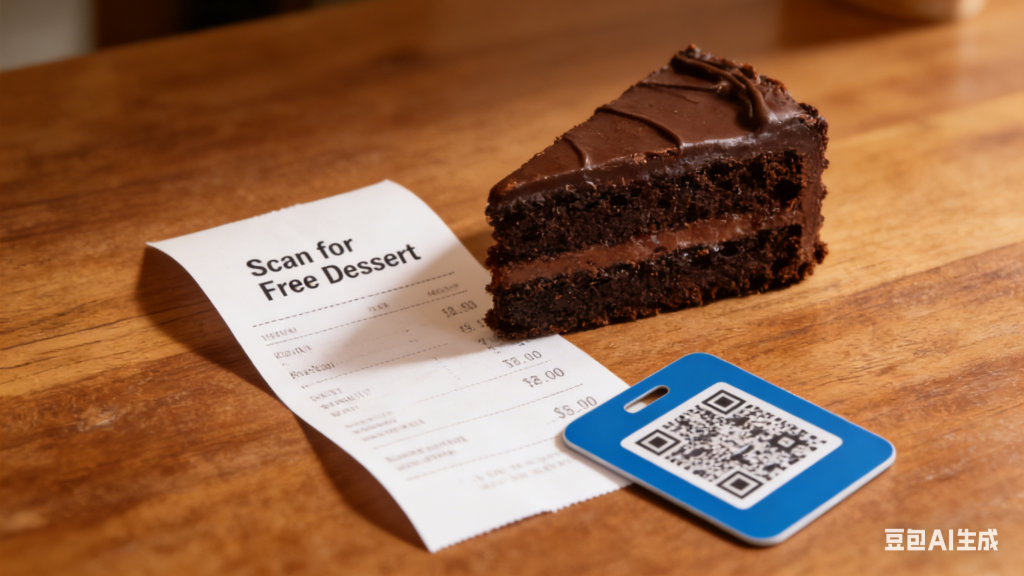
Incentivize reviews to boost participation—but always comply with platform rules (Google prohibits offering incentives in exchange for positive reviews, but general incentives like a 10% discount on a future purchase are allowed). A local bakery, for example, might offer a free cookie to customers who leave a review via the QR code on their receipt.
Train your staff to remind customers about the labels. Simple prompts like, “Did you enjoy your meal? Feel free to scan the QR code on your receipt to share your thoughts” can significantly increase participation rates.
Step 4: Monitor Reviews and Optimize Your Strategy
Generating reviews is only half the battle—you also need to manage them to improve SEO and customer loyalty. Respond to every review promptly: thank customers for positive feedback to strengthen relationships, and address negative reviews professionally (apologize, offer to resolve the issue offline, and show you value feedback). This not only impresses potential customers but also signals to Google that you’re an active, customer-focused business.
Use tools like Google Search Console (GSC) to track your local search rankings—you should see improvements as your review count grows. Analyze review data to identify patterns: if multiple customers mention slow service, for example, you can adjust your staffing or processes to address the issue. This feedback loop turns reviews into a tool for both SEO and business improvement.
Case Study: How a Local Restaurant Boosted Reviews by 120%
A family-owned Italian restaurant in Chicago was struggling with low review volume (just 50 Google Reviews) and stagnant Google Maps rankings. To turn things around, they implemented a QR code label strategy focused on simplicity and incentives.
The restaurant printed QR codes linked to their Google review page and affixed them to every customer receipt. Staff were trained to mention the incentive: “Scan the QR code on your receipt to leave a review, and we’ll give you a free tiramisu on your next visit.” The incentive was low-cost but appealing, and the QR code made the process effortless.
The results were dramatic: in just two months, the restaurant’s Google Reviews jumped from 50 to 110—a 120% increase. Their Google Maps ranking also rose three positions, leading to a 25% boost in foot traffic from local searches. The key takeaway? A clear CTA, a small incentive, and low-friction technology (QR codes) created a winning combination for driving customer participation.
Conclusion: Smart Labels as a Low-Cost, High-Impact Tool
In a world where local businesses compete for every customer, NFC and QR code self-adhesive labels offer a simple, affordable solution to two critical challenges: generating customer reviews and improving local SEO. By reducing the friction of leaving reviews, these labels turn satisfied customers into brand advocates—and those advocates into higher search rankings and more foot traffic.
Whether you choose NFC for a seamless user experience or QR codes for universal accessibility, the core strategy remains the same: optimize your Google Business Profile, create clear and durable labels, encourage participation with ethical incentives, and use reviews to refine your business. For local businesses looking to punch above their weight in digital search results, smart labels aren’t just a trend—they’re a must-have tool for long-term success.